Modern PC games are becoming more detailed, demanding, and competitive. High-resolution graphics, large maps, advanced physics, and multiplayer features can put significant pressure on your computer. Even a powerful gaming PC may experience occasional lag, frame drops, or performance slowdowns when too many programs are running in the background.
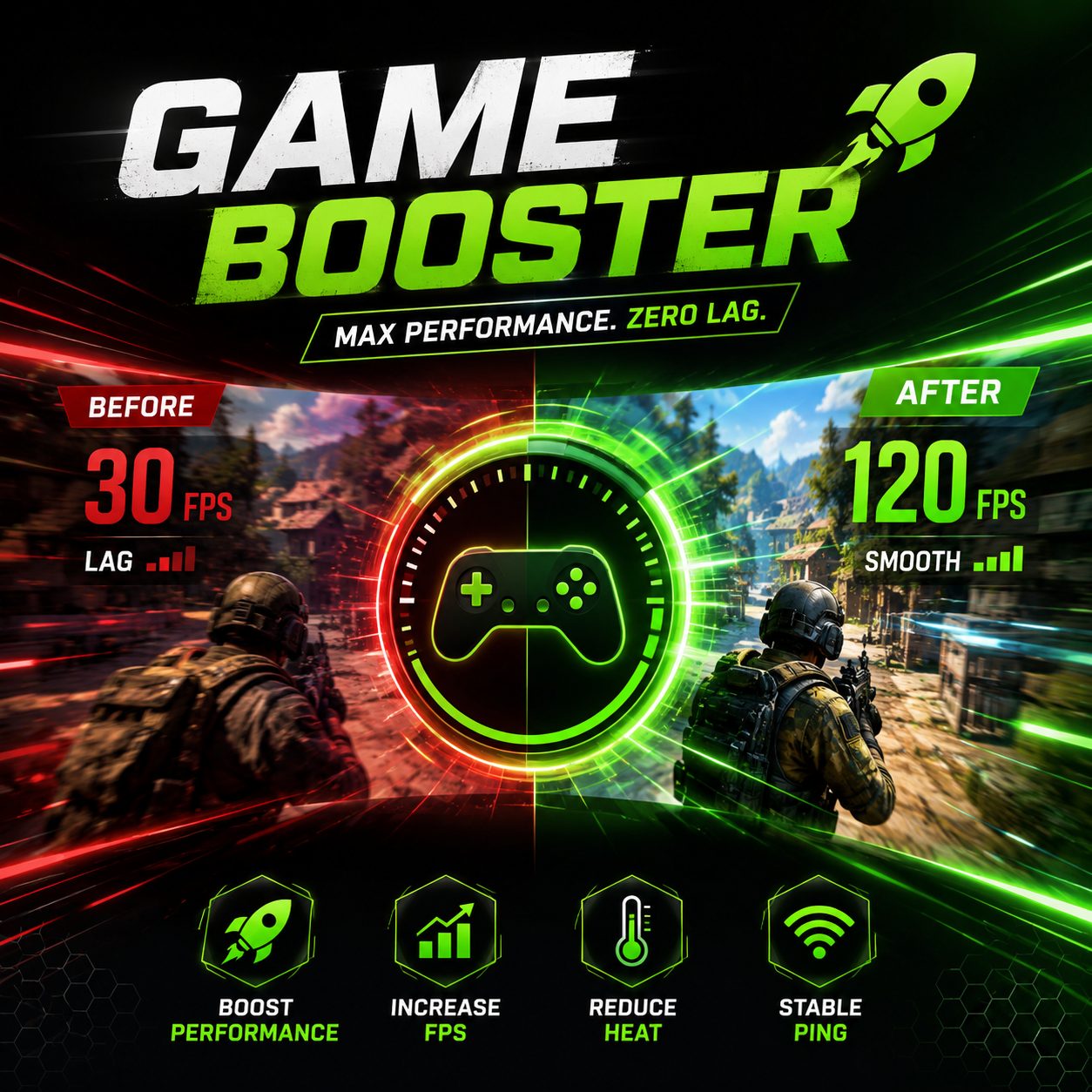
This is where a Game Booster can be useful. A game optimization tool is designed to help your computer focus more of its available resources on the game you are playing. Along with optimizing system resources, an FPS Booster can help create a smoother gaming experience by reducing unnecessary performance limitations that may affect frame rates.
What Is a Game Booster?
A Game Booster is software designed to optimize a computer before and during gaming sessions. Instead of manually closing background applications, checking system processes, and changing different settings, the software can automate many of these tasks.
When you launch a game, a Game Booster may identify unnecessary programs and services consuming CPU, RAM, or other system resources. By reducing this background activity, more resources can become available for the game.
This does not mean that the software can magically turn an entry-level computer into a high-end gaming machine. However, it can help eliminate some avoidable performance problems, especially when background processes are competing with a game for system resources.
How Game Boosting Software Works
The main purpose of game optimization is to reduce unnecessary workload. A computer performs many tasks even when you are not actively using them. Cloud synchronization, automatic updates, browser tabs, communication applications, and other services can continue running in the background.
During gaming, these activities may consume valuable resources. A Game Booster can help by temporarily reducing unnecessary background processes and prioritizing resources for the game.
Some optimization tools can also provide shortcuts for accessing gaming-related settings. Instead of searching through multiple system menus, users may be able to manage important options from one interface.
The exact features vary between applications, so users should choose software that provides transparent and useful optimization options rather than relying only on performance claims.
What Is an FPS Booster?
An FPS Booster focuses specifically on improving frame-rate consistency and overall smoothness. FPS, or frames per second, represents how many individual frames your computer displays each second.
Higher and more stable FPS generally makes games feel smoother, particularly in fast-paced titles where quick reactions are important. Sudden drops from a high frame rate to a much lower one can create noticeable stuttering.
An FPS Booster may help by optimizing system resources, reducing unnecessary background activity, or assisting users with performance-related settings. The actual improvement depends on the computer’s hardware, game settings, and the cause of the performance problem.
For example, if a computer has sufficient graphics power but too many background applications are consuming RAM and CPU resources, optimization may provide a noticeable improvement. On the other hand, if the graphics card is already operating at its maximum capability, software optimization alone cannot overcome the hardware limitation.
Why Stable FPS Matters
Many gamers focus on achieving the highest possible FPS, but stability can be just as important. A game that stays close to a consistent frame rate can often feel better than one that constantly jumps between high and low numbers.
For competitive games, inconsistent performance can make aiming, movement, and timing feel less responsive. In single-player games, unstable frame rates can reduce visual smoothness and make an otherwise enjoyable experience less comfortable.
A good optimization strategy therefore focuses not only on increasing peak FPS but also on reducing unnecessary performance fluctuations.
Benefits of Using a Game Booster
One of the biggest advantages of a Game Booster is convenience. Beginners may not know which Windows processes can safely be closed or which settings should be changed before gaming. An optimization application can provide a simpler way to manage performance.
Other potential benefits include:
- Reducing unnecessary background activity
- Freeing some RAM for demanding games
- Helping prioritize gaming processes
- Making performance settings easier to manage
- Providing a quick gaming mode
- Reducing the need for repeated manual adjustments
These benefits can be particularly useful for computers that are used for both everyday tasks and gaming.
Game Booster vs. Manual Optimization
Experienced PC users can manually optimize their systems by closing applications, adjusting graphics settings, updating drivers, and monitoring hardware usage. However, this process can take time and requires some technical knowledge.
A Game Booster provides a more convenient alternative by bringing several optimization functions together. Users can activate gaming-related settings without repeatedly searching through system menus.
Still, manual optimization remains important. Reducing graphics quality, lowering resolution, updating hardware drivers, and cleaning unnecessary files can sometimes have a greater impact than software-based game optimization alone.
Other Ways to Improve FPS
An FPS Booster should be considered one part of a broader performance strategy. Gamers can also make several practical changes to improve their experience.
First, keeping graphics drivers updated can help maintain compatibility with newer games and may improve performance in certain titles. It is also useful to close applications that are not required while gaming.
Graphics settings are another major factor. Features such as shadows, reflections, anti-aliasing, and high-resolution textures can require substantial graphics processing power. Lowering demanding settings can often provide a meaningful FPS improvement while maintaining acceptable visual quality.
Gamers should also monitor temperatures. Excessive CPU or GPU temperatures can cause thermal throttling, which may reduce performance during longer gaming sessions.
Can a Game Booster Fix Every Performance Problem?
No. It is important to have realistic expectations. A Game Booster cannot compensate for hardware that does not meet a game’s requirements.
If a game requires a powerful graphics card and the computer has an older entry-level GPU, optimization software will not transform that system into a high-end gaming machine. Similarly, insufficient RAM, an outdated processor, overheating, or hardware damage can require solutions beyond software optimization.
The best approach is to identify the actual cause of poor performance first. Once the problem is understood, an FPS Booster or other optimization tools can be used as part of the solution.
Choosing the Right Optimization Tool
When selecting a Game Booster, look for clear features rather than exaggerated promises. A reliable tool should explain what it changes and allow users to control or review optimization settings where possible.
It is also important to use software from a trustworthy source. Avoid applications that make unrealistic claims, install unwanted programs, or request unnecessary permissions.
A useful optimization tool should make gaming easier rather than creating additional problems.
Final Thoughts
A Game Booster can be a convenient way to prepare a PC for gaming by reducing unnecessary background activity and helping allocate system resources more efficiently. An FPS Booster takes a similar approach with an emphasis on smoother frame rates and better gaming responsiveness.
Neither tool can replace capable hardware or proper system maintenance, but they can complement other optimization techniques. Keeping drivers updated, managing graphics settings, monitoring temperatures, and closing unnecessary applications can all contribute to better performance.
For gamers who want a simpler way to manage their PC before launching a game, combining sensible system optimization with a reliable Game Booster and FPS Booster can help create a smoother and more enjoyable gaming experience.