Making Three-Dimensional Creation More Accessible
Three-dimensional content has become increasingly important in digital design, product development, gaming, animation, and personalized manufacturing. However, traditional 3D modeling often requires specialized software, technical knowledge, and considerable time. For beginners, turning a simple idea into a usable three-dimensional object can be particularly challenging. AI-powered 3D tools are changing this process by helping users transform visual concepts into digital models with fewer manual steps.
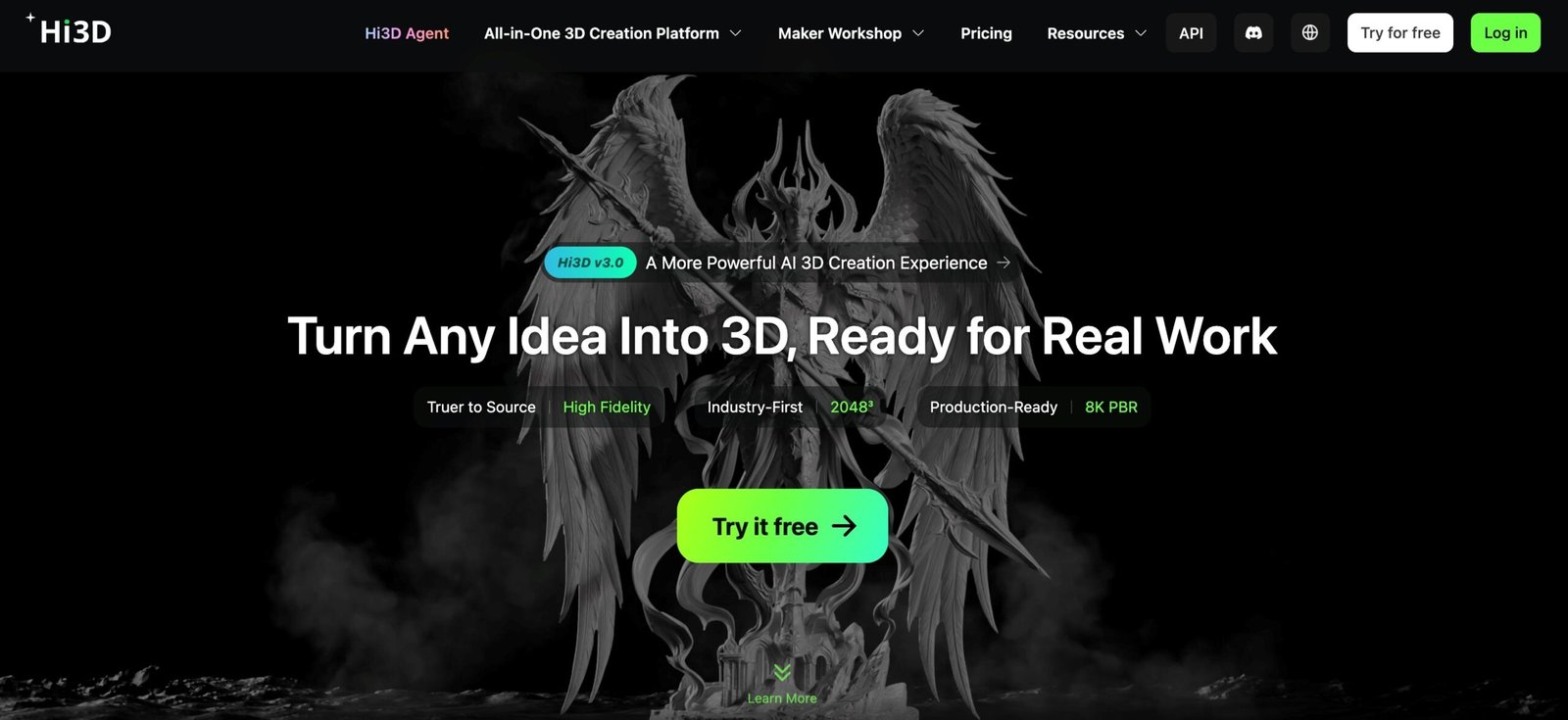
Hi3D is an AI-powered 3D creation platform designed to make this process more accessible. It helps users convert images into three-dimensional models and prepare their creations for applications such as 3D printing, digital content production, and product visualization. As an AI-powered 3d printer model maker, Hi3D allows users to turn visual ideas into 3D models without manually building every surface and shape. Instead of requiring users to build every surface and shape manually, Hi3D uses AI to reconstruct three-dimensional structures from visual references.
The platform brings several stages of the creative process together, including image generation, image-to-3D conversion, model editing, and preparation for physical production. Its workflow is intended to serve both people who are exploring 3D creation for the first time and experienced creators who want to accelerate early modeling tasks.
Hi3D also provides features for splitting models into separate parts, preparing multicolor prints, and exporting assets in commonly used file formats. These capabilities make it useful for more than simply producing a digital preview. Depending on the project and the quality of the generated geometry, the resulting model can become a starting point for further editing, prototyping, or manufacturing.
Turning Images Into Three-Dimensional Models
One of Hi3D’s central capabilities is image-to-3D generation. Traditional modeling often involves constructing geometry, adjusting proportions, and adding details manually. Image-to-3D technology offers another approach: users provide a visual reference, and the AI generates a three-dimensional representation of the subject.
This picture to 3d model workflow can be useful for transforming illustrations, product images, character concepts, decorative objects, and other visual ideas into 3D assets. Rather than beginning with an empty modeling workspace, creators can start with an image that already communicates the appearance they want to achieve.
Hi3D analyzes the reference image to estimate the object’s shape, structure, and visible details. Its generation process can reconstruct a three-dimensional form and infer certain structural information that is not directly visible in the original image. This is particularly helpful when a flat image needs to become an object that can be viewed from different angles.
For more demanding projects, users may benefit from supplying multiple views of the same subject when the workflow supports them. Front, side, and rear references can provide additional information about the object’s proportions and hidden surfaces. Clear images with good lighting, limited obstruction, and a relatively simple background can also help produce more consistent results.
AI reconstruction nevertheless involves interpretation. A single photograph does not contain complete information about every surface, so unseen details may be generated rather than recovered exactly. Users should inspect important structural features and refine the output when accuracy is essential.
By reducing the amount of initial manual modeling, Hi3D helps creators move more quickly from a two-dimensional reference to a three-dimensional starting point.
Generating Visual Concepts With AI
Creating a useful 3D asset often begins before modeling itself. Designers may need to explore different appearances, compare styles, or develop a visual reference that communicates an idea more clearly. Hi3D includes AI image-generation capabilities that support this early creative stage.
Users can describe an idea through natural language or provide reference images to guide visual exploration. AI-generated images can help establish a subject’s appearance before it is converted into a three-dimensional model. For example, someone planning a fantasy figurine might explore different costume designs, surface colors, or decorative elements before selecting a preferred concept.
Generating multiple visual variations can also be helpful when the original idea is not fully developed. Instead of committing immediately to one design, users can compare alternatives and identify the direction that best matches their goals.
This capability connects visual ideation with 3D production. A creator can develop a concept, select a suitable reference, and continue toward model generation within a broader creative workflow. The approach can reduce friction between brainstorming and creating a tangible digital asset.
It is important to distinguish visual concept generation from three-dimensional reconstruction. An attractive image does not automatically contain the complete geometry needed for a functional 3D model. The image-to-3D stage must still interpret the reference and construct a usable three-dimensional shape.
For creators who regularly work with original characters, collectible designs, decorative products, or experimental concepts, combining these capabilities offers a convenient way to explore ideas before investing significant time in detailed modeling.
Improving Model Detail and Visual Quality
The usefulness of an AI-generated model depends on more than its overall silhouette. Proportions, surface details, texture quality, and structural consistency can all influence how well the result serves its intended purpose.
Hi3D’s latest generation experience emphasizes improved geometric fidelity and more detailed surface representation. Its v3.0 offering highlights high-resolution generation and production-oriented PBR texturing. PBR, or physically based rendering, is a technique for representing material properties in ways that support more realistic lighting and surface appearance.
These improvements can be valuable when a model needs to look convincing in a digital scene. Texture and material information help distinguish surfaces such as metal, fabric, wood, and plastic. Better geometric representation can also preserve more of the reference object’s contours and smaller features.
However, visual quality and structural quality are not interchangeable. A model may look convincing in a rendered image while still containing thin walls, irregular geometry, or other issues that require attention before manufacturing. Likewise, a model intended for a game or animation may need different optimization from one intended for physical printing.
The appropriate generation settings therefore depend on the project. A concept artist may prioritize appearance and speed, while a product designer may pay closer attention to dimensions and proportions. A 3D printing enthusiast may focus on wall thickness, stability, and the feasibility of producing the object with a particular printer.
Hi3D provides a way to create a detailed initial asset without requiring every feature to be modeled manually. Users can then evaluate the output and decide whether additional refinement is necessary.
Simplifying Complex Models With Smart Splitting
Some 3D objects are difficult to manufacture or assemble as a single piece. Large designs may exceed a printer’s build volume, while intricate objects may require separate components to improve accessibility, reduce support requirements, or accommodate different materials.
Hi3D offers model-splitting capabilities that help divide a complex model into separate parts. Rather than treating the entire object as one indivisible shape, this workflow can make individual components easier to manage during printing and assembly.
The platform also highlights automatic connector generation. Depending on the model and the resulting geometry, connectors can help separate parts fit together after printing. This is particularly relevant for figurines, collectible objects, articulated concepts, and other designs composed of multiple pieces.
Another related capability is automatic arrangement for printing. Positioning parts appropriately on a virtual build plate can help users prepare models for the next stage of production. A suitable arrangement may make more efficient use of the available printing area and reduce the amount of manual setup required.
These features can shorten the preparation process, especially for users who are unfamiliar with dividing meshes or designing connections between components. Nevertheless, automatically generated parts and connectors should be inspected before manufacturing. Fit tolerances, material behavior, printer calibration, and the intended assembly method can all affect the final result.
Smart splitting is therefore best understood as an aid to preparation rather than a guarantee that every model will be ready for immediate production. It gives users a more convenient starting point for turning complex digital designs into manageable physical components.
Preparing Multicolor Models for Printing
Color plays an important role in many printed objects. Collectible figurines, miniature decorations, personalized gifts, and display pieces often look more complete when different areas have distinct colors. Applying these colors manually can introduce additional work, particularly when the model contains many small regions.
Hi3D includes a multicolor workflow designed to simplify this stage. Its capabilities include identifying color regions and boundaries, helping users prepare models for multicolor printing, and connecting the result with the subsequent slicing process.
The ability to separate colors is useful when a design contains recognizable visual sections, such as a character’s clothing, accessories, facial features, or decorative patterns. Instead of treating the object as one uniformly colored surface, the workflow can help organize different regions for production.
Multicolor preparation can also support personalized objects. A creator making a custom desk ornament, themed figurine, or decorative accessory may want to preserve several colors without relying entirely on post-print painting.
The final result depends on the model, the available printer, and its material or filament system. Color boundaries may require adjustment, and small details may not reproduce accurately at every printing scale. Users should also confirm that their chosen slicing software and printer support the intended multicolor workflow.
By helping organize color information before printing, Hi3D reduces some of the complexity involved in moving from a colorful digital model to a physical object.
Supporting Different File Formats and Creative Workflows
A 3D model is more useful when it can move between tools. Different applications support different file formats, and creators may need to transfer their assets into modeling software, game engines, visualization tools, or slicing programs.
Hi3D supports several common 3D formats, including STL, OBJ, GLB, 3MF, and USDZ, with available formats depending on the generation workflow. These options accommodate different downstream requirements.
STL is widely used for 3D printing because it represents surface geometry in a format commonly accepted by slicing software. OBJ is frequently used for exchanging geometric models and can be accompanied by material and texture information. GLB packages 3D scene data into a convenient binary format, making it useful for compatible digital viewing and interactive applications.
3MF is designed to carry information relevant to additive manufacturing, while USDZ is used in supported 3D visualization and augmented reality workflows. Hi3D’s API documentation also identifies FBX as an available output format for supported generation modes.
Choosing the correct format depends on how the asset will be used. A model intended for printing may need an STL or 3MF file, whereas a creator preparing an asset for another digital application may prefer GLB, OBJ, or FBX.
Exporting a model does not eliminate the need to check compatibility. Texture information, material assignments, scale, mesh structure, and other properties may behave differently across applications. Users should verify that the selected format preserves the information required by their next tool.
This format flexibility makes Hi3D easier to incorporate into existing workflows rather than requiring every stage of a project to take place in a single environment.
Moving From Digital Models to Physical Objects
For many users, creating a 3D model is only the first step. The next challenge is turning the digital asset into a physical object. Hi3D includes features that help bridge this gap by supporting model inspection, print arrangement, export, and connections to commonly used slicing software.
Slicing software converts a three-dimensional model into instructions that a 3D printer can follow. Before slicing, a model may need an appropriate orientation, suitable dimensions, and a review of its geometry. Hi3D’s print-preparation workflow is designed to simplify some of these tasks.
Users can export compatible files or send models to supported slicing applications to continue with their preferred printing process. They can then review printer-specific settings, including layer height, supports, infill, and material selection, before starting production.
This approach is useful for people who already own a 3D printer but want to spend less time preparing their models. It also gives beginners a more approachable path from AI generation to physical fabrication.
Hi3D additionally presents a printing and delivery service through which users can select a model, material, and size and have a physical creation produced for them. This can be useful for people who do not own a printer or prefer not to manage the manufacturing process themselves. Service availability and specific options should be checked before placing an order.
The distinction between digital generation and physical production remains important. A model may require repairs, adjustments, or printer-specific preparation before it can be manufactured successfully. Printability depends on factors such as geometry, dimensions, material, and equipment.
By combining creation and print preparation, Hi3D offers a more connected workflow for users who want to progress beyond a digital preview.
Exploring Practical Applications Across Industries
Hi3D’s capabilities can support a variety of creative and professional projects. One accessible application is personalized 3D printing. Hobbyists can use visual references to develop figurines, desk decorations, themed ornaments, and customized gifts. Template-based creation can make this process more approachable for people who have little experience with conventional modeling software.
Game developers and digital artists may use image-to-3D generation to explore characters, props, and other preliminary assets. Converting concept art into an initial three-dimensional representation can help teams evaluate proportions and visualize ideas from different perspectives. Additional work may still be needed to meet requirements for animation, topology, rigging, and real-time performance.
Product designers can also experiment with visual concepts before committing to more detailed CAD modeling. AI-generated models may help communicate an early design direction or provide a reference for later development. For projects involving exact dimensions, mechanical assemblies, or manufacturing tolerances, specialized engineering tools and validation remain necessary.
In education, the platform can provide a practical introduction to the relationship between two-dimensional imagery, three-dimensional geometry, and digital fabrication. Students can experiment with familiar visual subjects and observe how they are reconstructed as models.
Artists and independent creators may find the workflow useful for exploring original characters, collectibles, and decorative objects. Small teams can also use AI-generated assets to test ideas before allocating time to more sophisticated production.
Across these applications, the main advantage is the ability to accelerate early-stage creation. Rather than replacing every specialized tool, Hi3D can serve as a starting point that helps users generate assets and move them into the environments best suited to their final objectives.
Integrating AI-Based Generation Through an API
Beyond its web-based creation experience, Hi3D provides an API for developers and businesses that want to incorporate 3D generation into their own products or workflows.
An application programming interface allows software systems to communicate with an external service. In this context, the Hi3D API enables developers to submit supported inputs and request AI-generated 3D content without building an entire generation system from scratch.
According to its official documentation, supported capabilities include single-image and multiview image-to-3D generation, relief generation, model splitting, and multicolor model processing. Depending on the workflow, generation options can include geometry, textures, and PBR-related settings.
These capabilities may be relevant to e-commerce services, creative applications, digital content platforms, product visualization systems, and other software that could benefit from user-generated 3D assets.
For example, a developer building a creative application might integrate image-to-3D generation so users can transform uploaded references into three-dimensional content. A platform focused on collectibles might explore model generation as part of a customized creation experience.
API integration nevertheless requires technical planning. Developers should evaluate authentication, request handling, generation latency, usage limits, output formats, and the needs of their target application. They should also consider how generated assets will be stored, reviewed, edited, and delivered to end users.
By making generation capabilities available through an API, Hi3D extends its potential beyond individual creators and into software products that need AI-assisted 3D content as part of a larger service.
Getting Started With Hi3D
Users can begin with a simple visual reference or a clearly described creative idea. For image-to-3D generation, selecting a well-lit image with the subject fully visible is a practical first step. If the shape of the back or sides is important, additional views may help provide a more complete reference.
After generating the model, users should examine its overall proportions, surface details, and hidden geometry. If the result is intended for printing, they should also consider structural stability, wall thickness, part separation, and the dimensions of the intended object.
The next step depends on the goal. A digital artist may export the asset for further editing, while a hobbyist may prepare it in slicing software. Someone creating a multicomponent object may explore model splitting, and a developer may investigate API integration for a larger application.
New users can also explore the platform’s templates and creative tools before attempting more complicated projects. Starting with a relatively simple subject makes it easier to understand how reference quality, generation settings, and downstream editing affect the result.
AI-generated 3D models should be treated as useful starting assets rather than universally finished products. Careful inspection and appropriate refinement remain important when a project demands precise geometry, reliable assembly, or production-quality results.
Hi3D brings together AI-assisted visual ideation, image-to-3D generation, model preparation, multicolor workflows, and export options in a connected creative environment. By reducing some of the technical barriers associated with traditional modeling, it gives beginners, hobbyists, designers, and developers another way to explore three-dimensional content and move their ideas toward practical use.
READ ALSO: What Is a Perimeter Detection System? | Sysco Tech